A Merry Virtual Xmas
December 20, 2011 Leave a comment
Just wanted to wish anyone who reads my blog a very merry christmas.

About 10 years ago I helped create a festive site that you might like to visit at www.magical-mischief.com


Happy Xmas
Darren
A blog of my own research into e-learning technology
December 20, 2011 Leave a comment
Just wanted to wish anyone who reads my blog a very merry christmas.
About 10 years ago I helped create a festive site that you might like to visit at www.magical-mischief.com
Happy Xmas
Darren
December 15, 2011 Leave a comment
For the last 3 years, the Defence Academy (DA-CMT) have been using our existing Go-le@rn mobile learning portal to provide mobile learning resources to students that are available for play-back on a wide range of mobile devices.
The existing Go-le@rn design is a simple portal that allows administrators to upload video/audio based learning resources, with students, once logged in, being allowed to download learning resources to either their mobile phone, portable media player or laptop.
Below outlines how I’m taking Go-le@rn forward, to see it integrated with a Learning Management System (LMS) so that students can choose whether they would like to take courses via a normal desktop route on the LMS or download a mobile version of the course if they’re travelling.

In short I propose to have an environment that for desktop users:
For smartphones (iPhone/Android/Blackberry) and iPad users the environment provides an app that:
For users of MP3 audio players or Personal Media Players (PMP’s) the environment will:
A Course ‘Matrix’
At the heart of the new environment will be an add-on to Moodle which will allow administrators to define mobile alternatives to traditional desktop e-learning.
For each learning object within the LMS the administrator will be asked to provide an alternative object(s) for:
It may be that some learning objects do not require alternatives as they run on every device, or that they may be only one alternative supplied (e.g. a podcast). The diagram below defines some of the standard media types that may be provided:
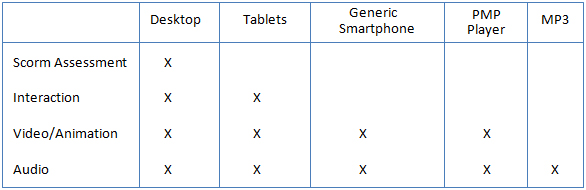
Dependant on the client there could be the need to provide services for Window-based PDA’s but for now I have left these out. The option of having up to 5 different learning objects when in the past there would only be one gives the potential for there to be quite an increase in development costs for any given course.
Issues around Reporting and Scorm
Given the above extra functionality whereby students will receive different learning objects depending on the device being used to view training, the reporting functionality may have to change somewhat. We will need to create a new reporting module for the LMS that:
The interesting thing to discuss here is whether we take a more relaxed view of scorm. I know this sounds preposterous but Moodle’s assessment system is far more powerful than having scorm quizzes integrated into e-learning content via Scorm. So it is my view that this is the way we should approach new content for a client using the system, have desktop learning objects that don’t have assessments within them but rely on moodle quizzes.
This would then mean that:
The mobile app in more detail
Currently there are a number of Moodle mobile apps available from the internet, some free, some not, that provide access to a Moodle LMS via the internet. The downside of these is that:
The author’s intention here is to create an app that has all the functionality of the above existing apps plus:
Overall System Schematic
The diagram below show how the system will operate:
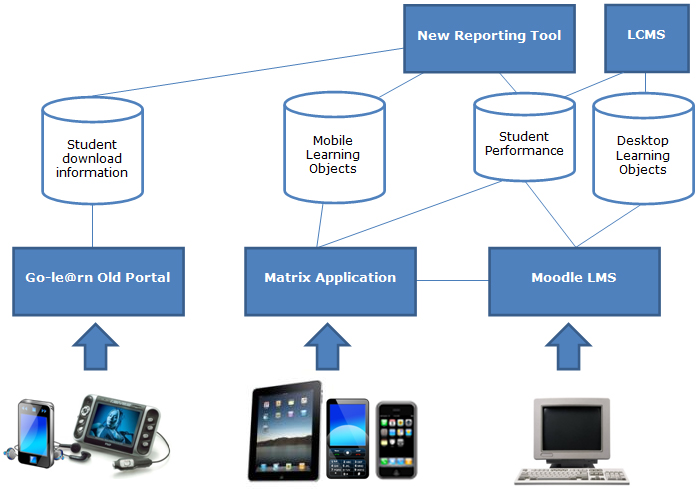
A Closer Look
Here are some screenshots of the iPhone app in development:
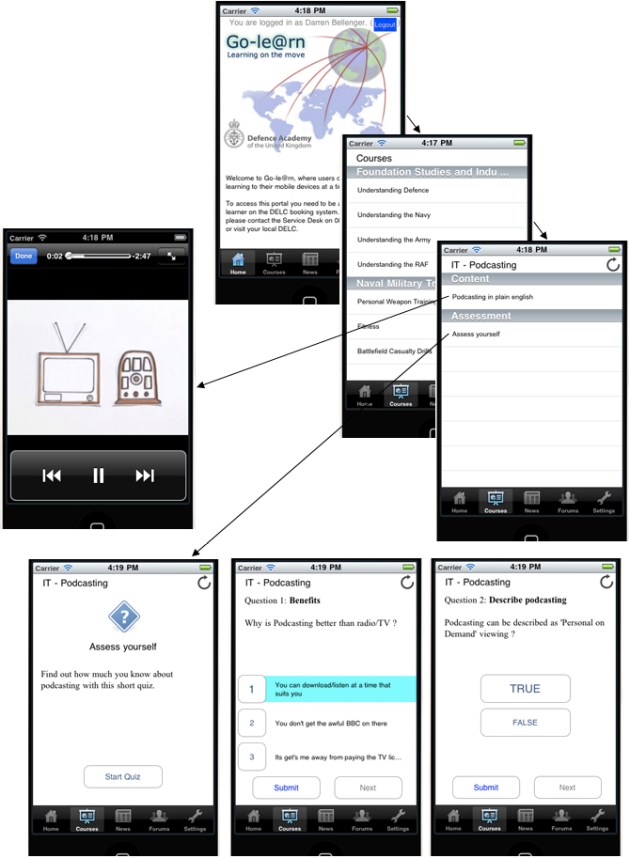
Over the next few months I’ll be providing regular updates on how the platform is progressing.
December 13, 2011 Leave a comment
In 2007 a pure research project that made it into the real military world was the concept of using soldiers own mobile devices to deliver learning.
Soldier’s tend to be even more technology minded than the normal ‘man on the street’. When away from home they have their favourite media player or mobile and keep care of them. Even in land rovers or warrior armoured personal carriers, you will see crewmen modify their vehicles to hold their iPods nice and safe. So why not try and use those devices as a delivery platform for learning. A platform that aims to provide content that will work on the widest range of mobile devices possible.
From 2007-2010 our in-house developed Mobile Learning Portal allowed military students to download video and audio based learning resources to their mobile device whether it may be a mobile phone, Ipod or other MP4/MP3 player.
Access to the portal was available either through your desktop or via your mobile phone. Actually my favourite device for access was a Sony PSP via my home wifi!


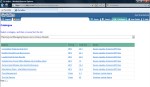
Early on we identified the need for the portal to have a ‘critical mass’ of learning content, as without that students would not come back if all they saw was one or two bits of learning. The client agreed and using a number of bespoke content suppliers as well as off-the-shelf products, we were able to host nearly 300 mobile courses, mostly in MP3/MP4 format.
Since its roll-out within the MoD, the portal has been quite successful and has an established small loyal user base.
December 7, 2011 Leave a comment
About 2 years ago the Royal Navy had a requirement to outsource their Marine Engineering training. We were in discussions with regards to how they saw their new generation of learning evolving, and some themes were similar to other large-scale engineering clients.
Marine Engineers seem to have a massive amount of TACIT knowledge. By that I mean in-depth important knowledge that they need, but can’t really tell you where it came from. Most of the time its handed down from senior to junior over time. This presents a real learning risk in that, over time, with expert senior engineers retiring, there is a real possibility of losing the ability to train new graduates effectively.
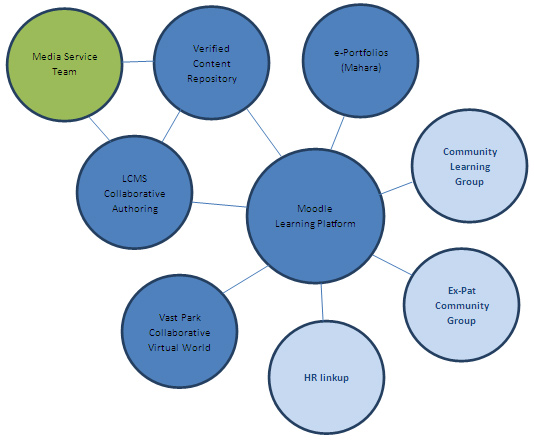
On the community side
It was important that we devise a system that helps to identify potential knowledge gaps by being more ‘in touch’ with its own learning community as well as experts from within that might previously be ignored.
Setting up a community learning group for your own learning professionals, allows them to keep in touch with each other, to discuss how differing learning needs are being met.
Also setting up an Ex-Pat (or soon to be Ex-Pat) community group allows senior engineering professionals to join in and discuss their views on how we able to improve graduate induction training as well as on-going work-based learning programmes.
Having a simple HR linkup also allows us to zero in on experts in the undergrowth who are approaching retirement age and see if we can bring them on board into our community discussion groups.
On the technology front
We chose the ’open source’ Moodle platform because:
We added a Mahara e-Portfolio system to our mix as it was important to allow university graduates the opportunity of bringing their university e-Portfolios with them to their new career. This allowed for far more intimate knowledge of graduates.
It was also important to allow internal learning experts (as well as senior experts) the opportunity to easily add quality new learning content to fill training gaps quickly. We also proposed our own in-house rapid authoring tool that is easy to use, yet powerful enough to produce compelling e-learning.
And to help with the production of this rapid e-learning, a media services team combining graphics artists, 3D modellers, as well as training professionals is was to be on-hand to bring all this content to life.
Another vital part of our relationship with this client was to recognise that they have many of their best experts in distant foreign lands. So we devised a virtual world server called ‘Vast Park’ that allows disparate experts (as well as graduates) the opportunity to meet up in a virtual world…. Brainstorm, share ideas, and collaboratively help each other.
December 5, 2011 Leave a comment
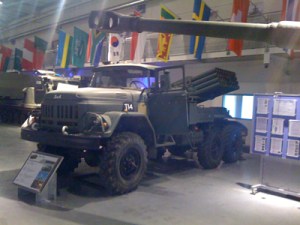
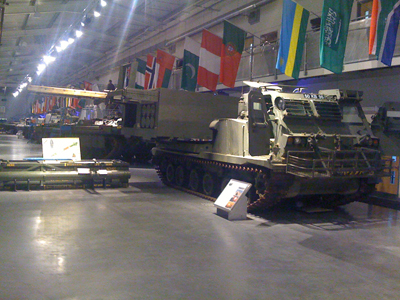
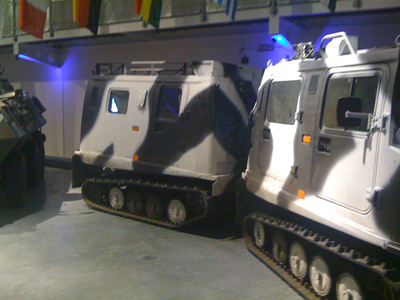
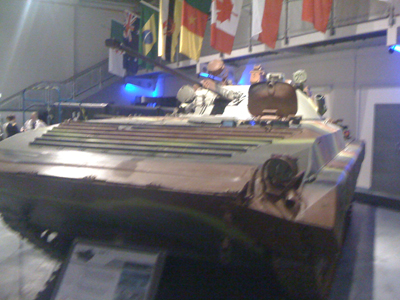
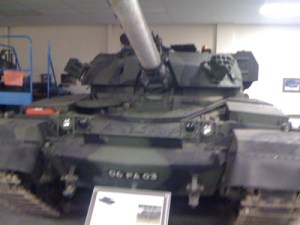
Seaching through my old photos and noticed a batch that I took whilst at the Defence Academy in Shrivenham.
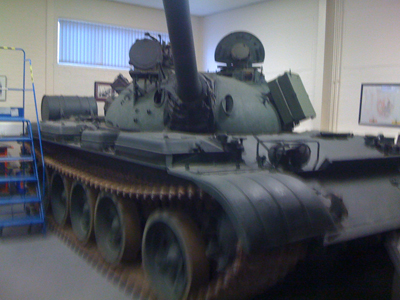

The photos show there ‘Museum’ room where a number of military vehicles are on shown, from past til present.
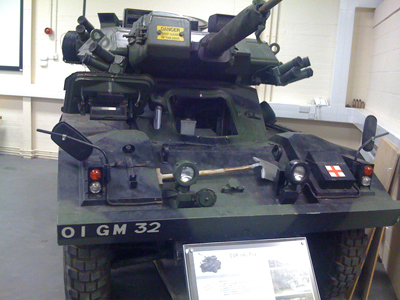
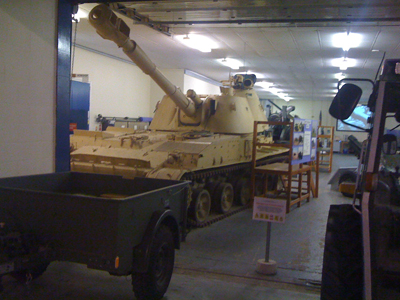
I must admit that I did make myself look like a complete idiot, running around and taking photos with my iPhone whilst I was there for a conference, but just couldn’t stop myself.
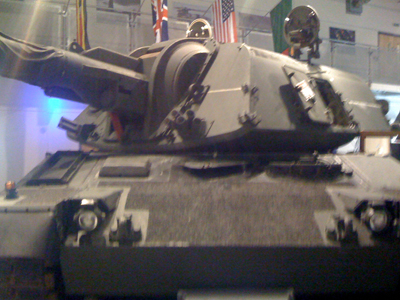
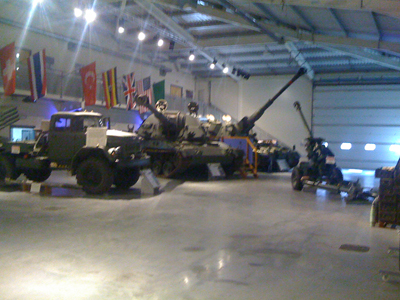
I wonder if anyone can correctly identify all the vehicles ?



December 2, 2011 Leave a comment
Found some old images of my prototype LVC Artillery Simulator demonstrated at ITEC a couple of years ago so thought I’d upload them.
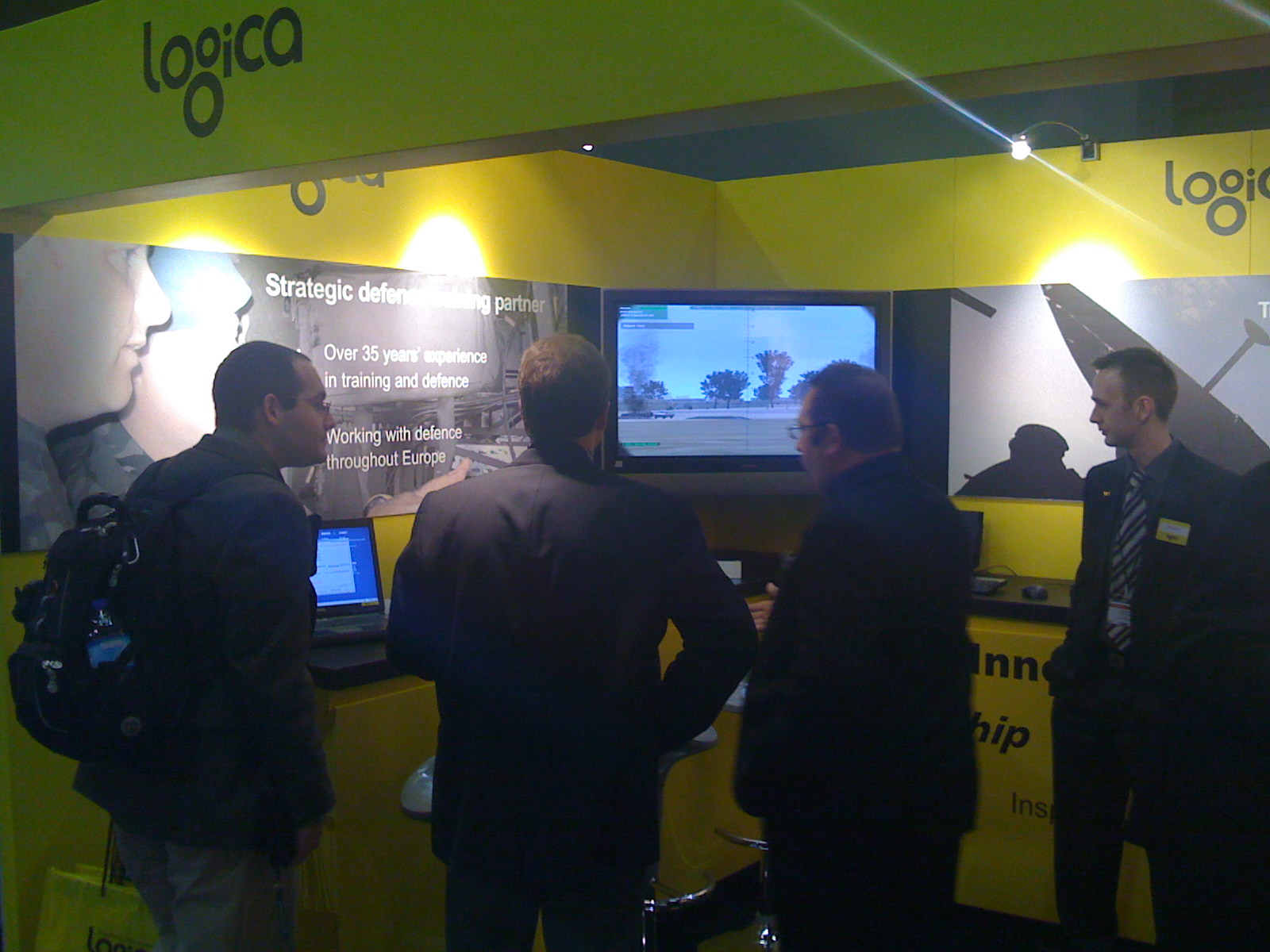
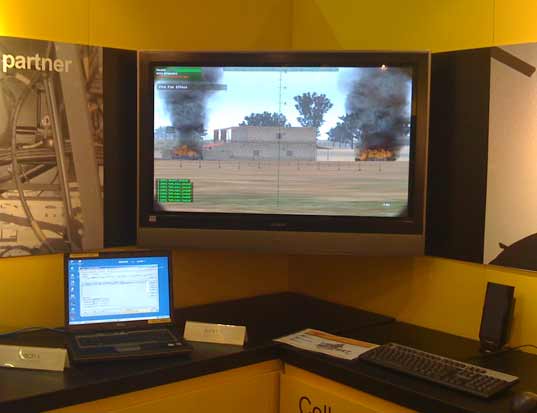
The prototype allowed Forward Observation Officers (FOO) to survey the virtual scenario (at ITEC we had a ground view as well as a UAV view) and bring artillery fire onto targets using the actual FC-BISA system used in the British Army’s Warrior APC’s.
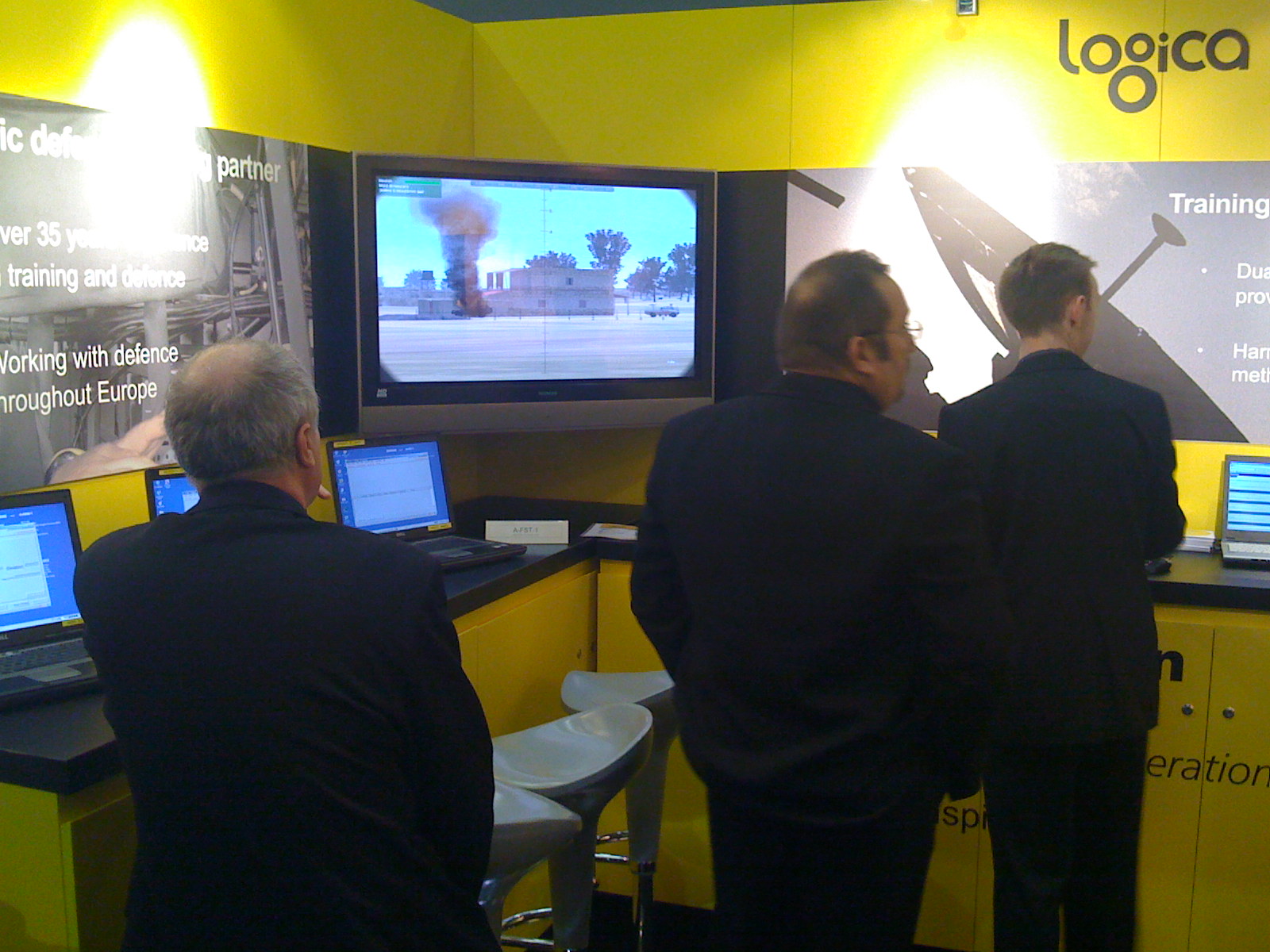
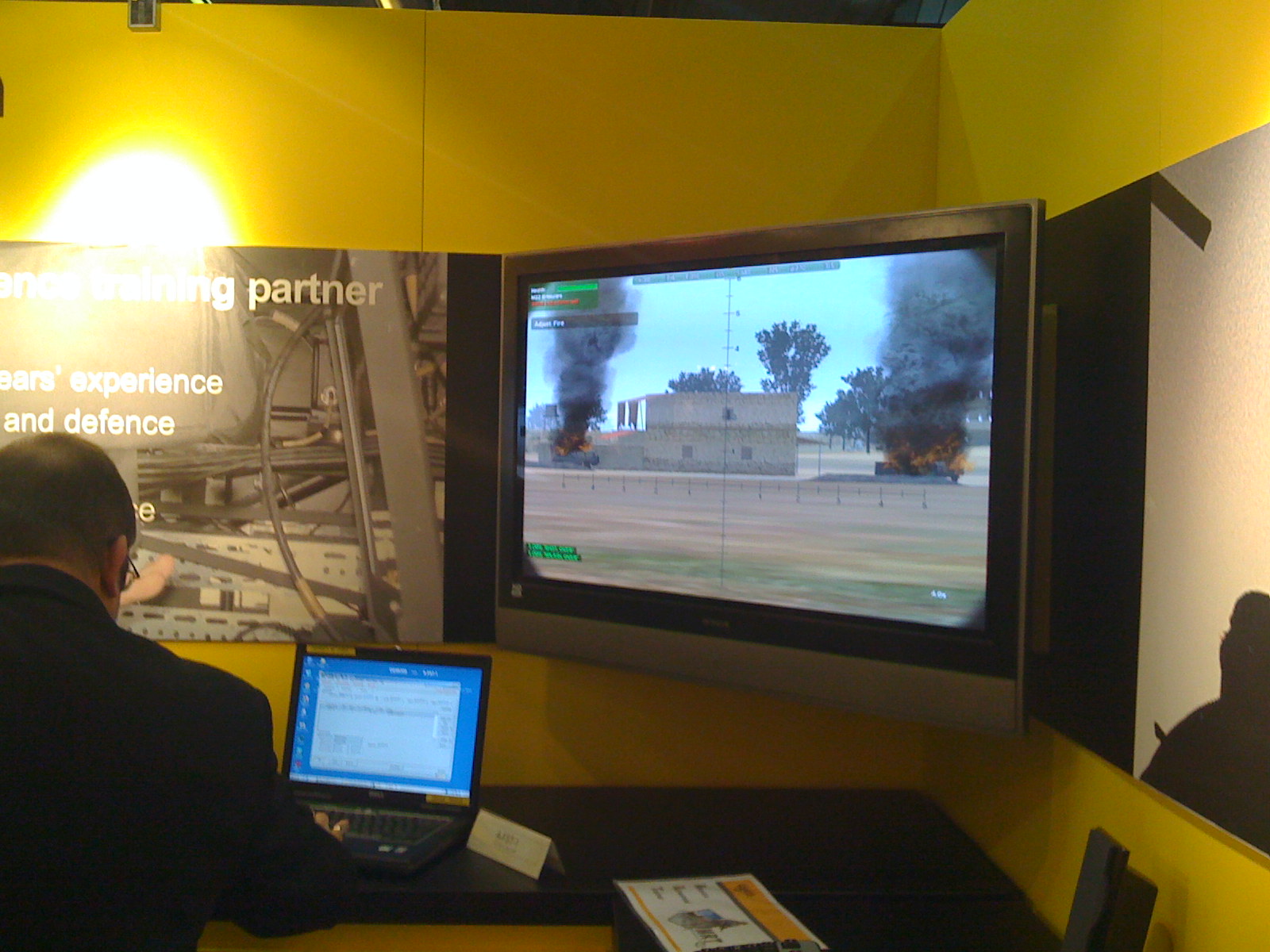
The resultant fire would then be modelled in the virtual environment, so that the learner could redirect fire as necessary to destroy insurgent positions.
 Elearning Technologist