For the last 3 years, the Defence Academy (DA-CMT) have been using our existing Go-le@rn mobile learning portal to provide mobile learning resources to students that are available for play-back on a wide range of mobile devices.
The existing Go-le@rn design is a simple portal that allows administrators to upload video/audio based learning resources, with students, once logged in, being allowed to download learning resources to either their mobile phone, portable media player or laptop.
Below outlines how I’m taking Go-le@rn forward, to see it integrated with a Learning Management System (LMS) so that students can choose whether they would like to take courses via a normal desktop route on the LMS or download a mobile version of the course if they’re travelling.
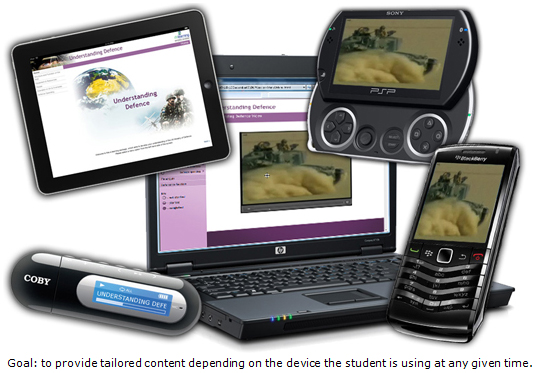
In short I propose to have an environment that for desktop users:
- Contains a traditional LMS (proposing Moodle) that students can log into via their desktop/laptop/netbook and receive a standard LMS experience, take SCORM-based courses, as well as interact with other students via forums, chat sessions and instant messaging.
- Contains an e-portfolio tool that allows students to store their own personal learning articles. These articles will demonstrate their development over the long-term and are a much better method of assessing student than simple quizzes. Mahara, the e-portfolio tool under proposal integrates with Moodle and also provides a blogging tool, social networking and a CV builder. Users have their own personalised profiles which they can use to add employment and education history, accreditations, achievements and goals.
- Contain a virtual world server (based around VastPark) that is fully integrated with the LMS allowing for online classroom sessions to be organised.
For smartphones (iPhone/Android/Blackberry) and iPad users the environment provides an app that:
- Provides direct access onto the LMS so that students can carry out all the social networking functions of the system on their device.
- Allows students to view all of the learning content within the curriculum. Content that has been ‘marked’ as for desktop use only, the app will either disable the option or provide an alternative mobile ready course in an appropriate format.
For users of MP3 audio players or Personal Media Players (PMP’s) the environment will:
- Provide a simple login (the old Go-le@rn in effect) where students can download content to their desktop and then sideload to their device, or straight to their device if it has browser functionality (e.g. a Sony PSP). As per the current Go-le@rn, students will be invited to tell the system what device they have and then only appropriate content will be offered to the student.
A Course ‘Matrix’
At the heart of the new environment will be an add-on to Moodle which will allow administrators to define mobile alternatives to traditional desktop e-learning.
For each learning object within the LMS the administrator will be asked to provide an alternative object(s) for:
- Tablets (possible inclusion of iPhone)
- General Smartphone (e.g. iPhone / Android / Blackberry)
- Personal Media Players (PMP)
- MP3 Audio Players
It may be that some learning objects do not require alternatives as they run on every device, or that they may be only one alternative supplied (e.g. a podcast). The diagram below defines some of the standard media types that may be provided:
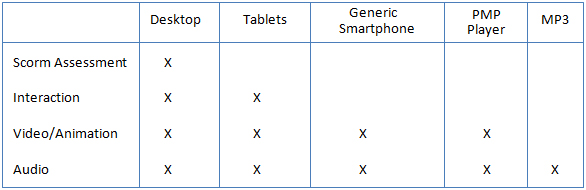
Dependant on the client there could be the need to provide services for Window-based PDA’s but for now I have left these out. The option of having up to 5 different learning objects when in the past there would only be one gives the potential for there to be quite an increase in development costs for any given course.
Issues around Reporting and Scorm
Given the above extra functionality whereby students will receive different learning objects depending on the device being used to view training, the reporting functionality may have to change somewhat. We will need to create a new reporting module for the LMS that:
- Allows administrators to see for any given student, whether they have viewed a learning object offline or online.
The interesting thing to discuss here is whether we take a more relaxed view of scorm. I know this sounds preposterous but Moodle’s assessment system is far more powerful than having scorm quizzes integrated into e-learning content via Scorm. So it is my view that this is the way we should approach new content for a client using the system, have desktop learning objects that don’t have assessments within them but rely on moodle quizzes.
This would then mean that:
- Desktop users would see on the course list the learning object then the quiz straight afterwards
- Mobile app users would like wise see both options after one another
- PMP and MP3 player students would download learning objects to their devices, learn whilst on the move, but have to log into the LMS on a desktop to take a quiz
The mobile app in more detail
Currently there are a number of Moodle mobile apps available from the internet, some free, some not, that provide access to a Moodle LMS via the internet. The downside of these is that:
- All of the content on the Moodle LMS must be geared towards the lowest common denominator (mobile access)
- They are online apps, they cannot be used when offline.
The author’s intention here is to create an app that has all the functionality of the above existing apps plus:
- Access’s the course matrix information so that mobile students see mobile content via the app instead of desktop content
- Whilst a student is viewing content, download a copy to the device so that the student can view that content even when offline.
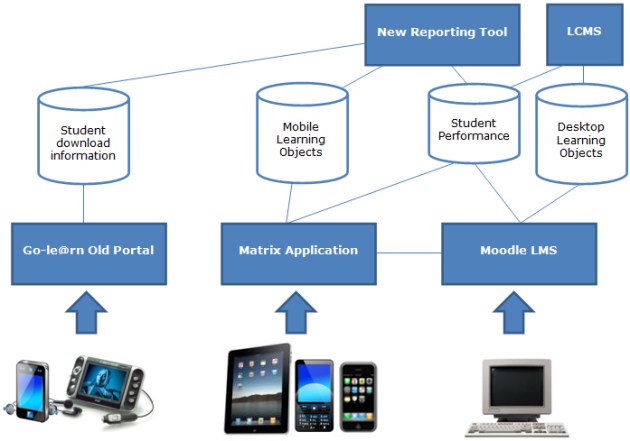
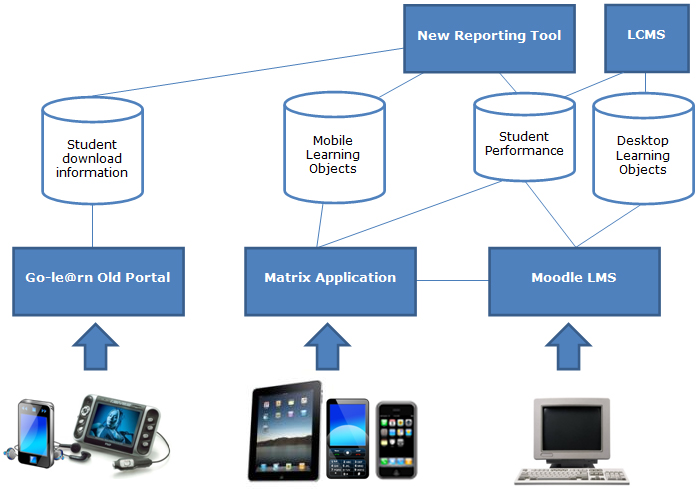
Overall System Schematic
The diagram below show how the system will operate:
A Closer Look
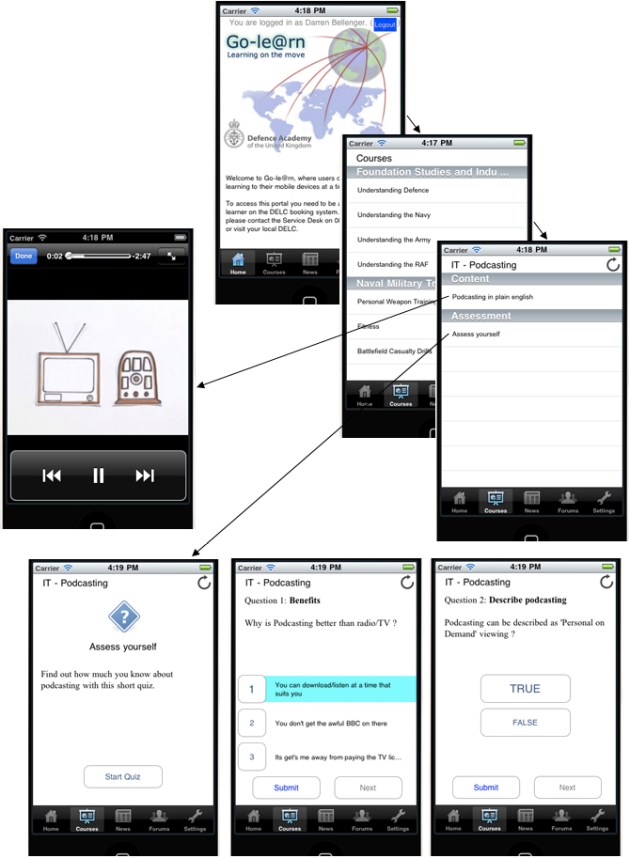
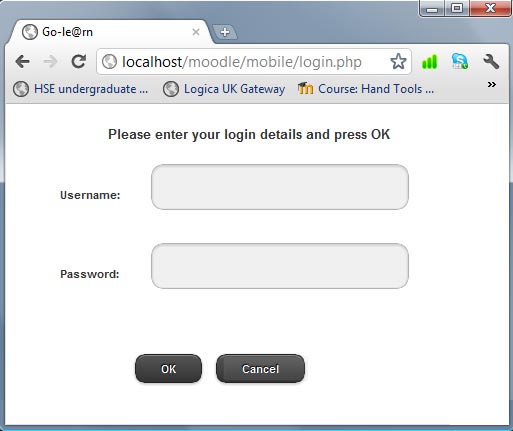
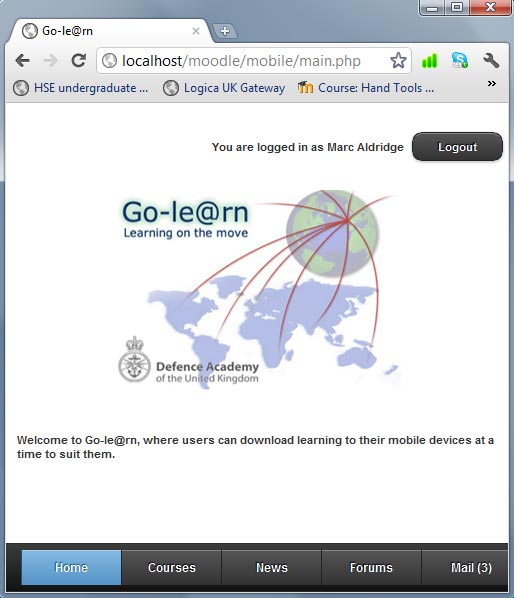
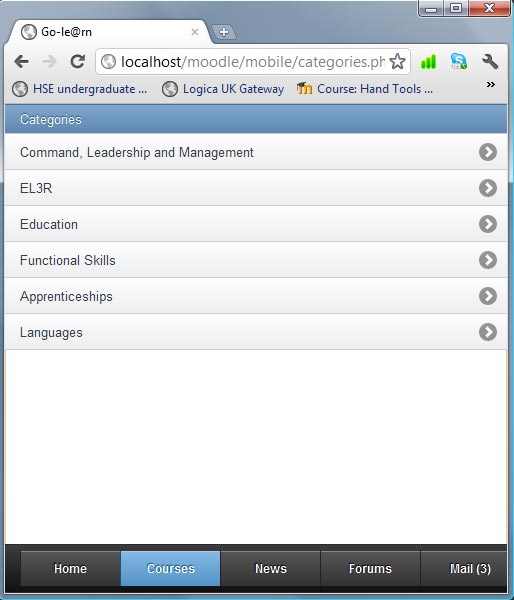
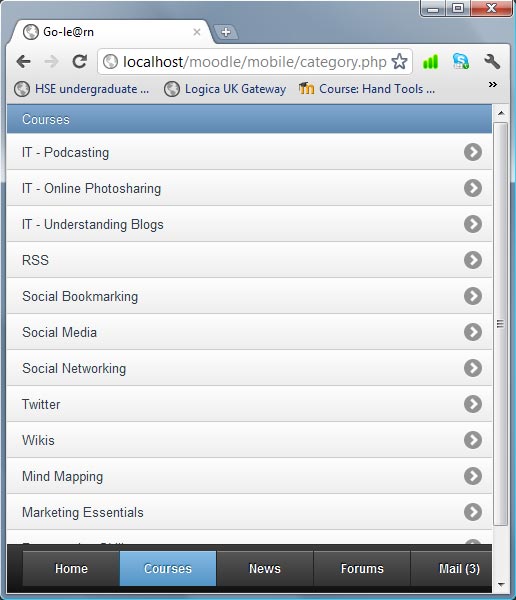
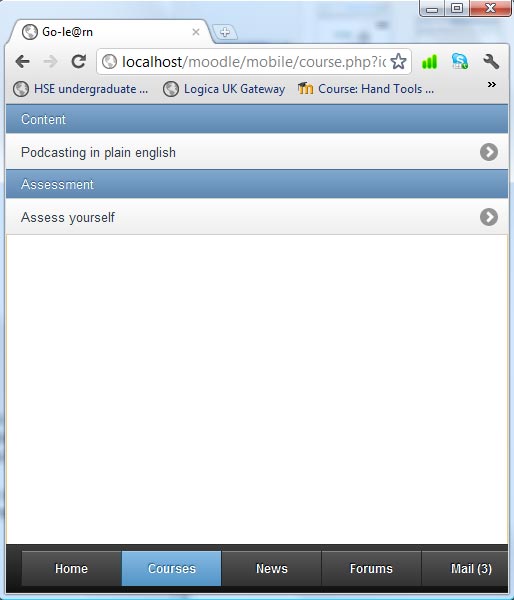
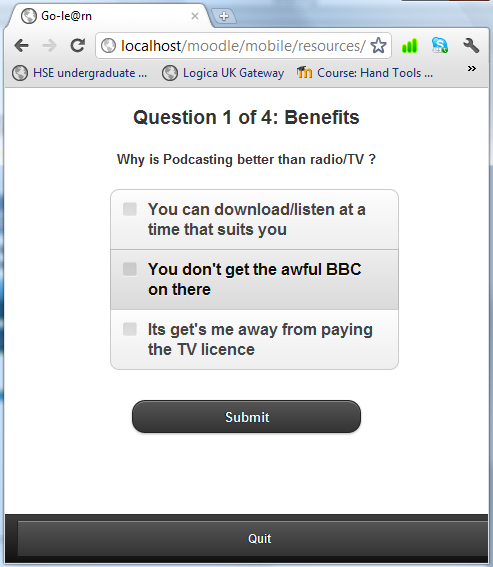
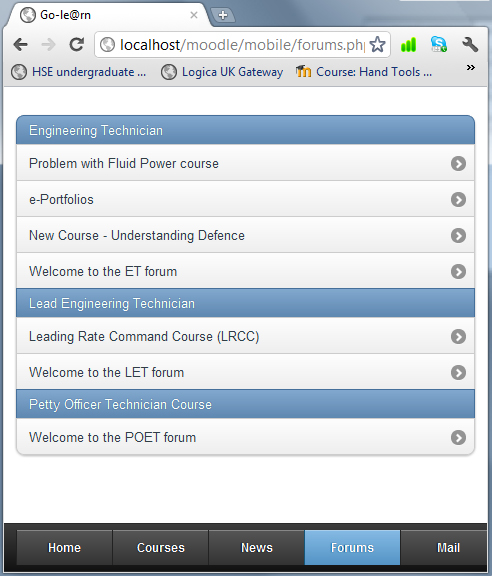
Here are some screenshots of the iPhone app in development:
Over the next few months I’ll be providing regular updates on how the platform is progressing.





 Elearning Technologist